

10 Small Practices That Prevent Big Renovation Mistakes
The structure I give my clients—and finally had to give myself.

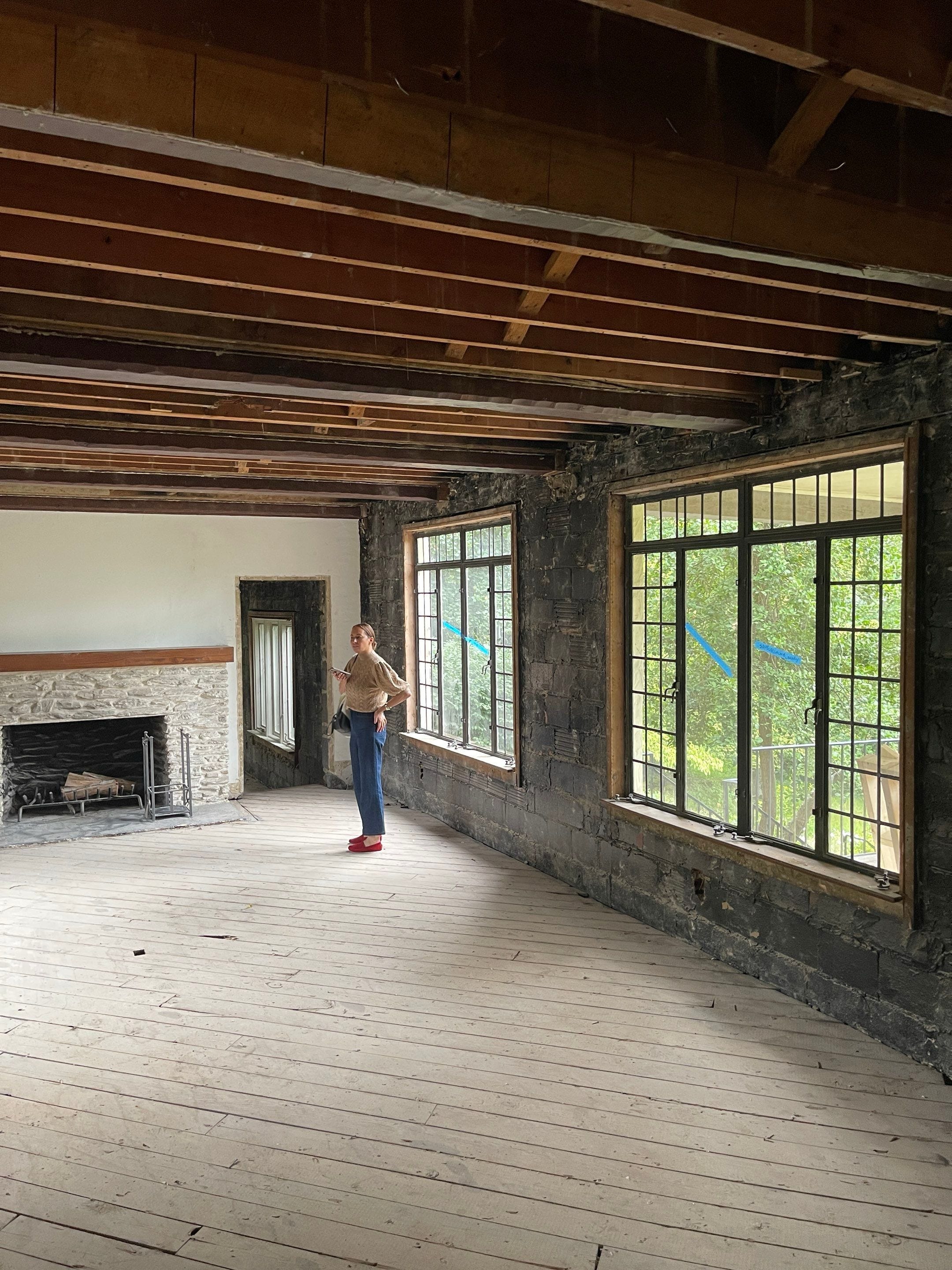
I’m not usually on this side of the fence when it comes to renovating—but with Kemble Cottage, I am. Well, technically, I’m on both sides. Most of my days are spent coaching other people on how to spend their money in a way that results in the most beautiful, soulful version of their home. I tell them where to splurge, where to save, and how all the pieces will eventually click into place in that effortless, slightly magical way great design does.
When they panic, I calm them. We have so many systems to keep the panic at bay—early budgets that are tightly maintained, timelines that are constantly updated, weekly touch-bases that keep everyone moving forward with purpose. And for my clients, things generally do run quite smoothly.
But not for me.
Trying to make myself “the client” is…a work in progress. I even onboarded myself to one of my own design teams (shout-out to Team Freddie) just to give myself the guardrails I usually provide for others. And still—being on the other side has given me a completely renewed sense of empathy.
I’m feeling what my clients feel. The uncertainty. The urgency. The vulnerability. The “Are we sure that’s the right stone?” moments. The “Is this timeline real?” spirals.
And honestly? It’s humbling.
Being both the designer and the client has forced me to create a survival system for myself. A toolkit. The same kind of structure we build for clients, but one I suddenly need because I’m inside the tornado this time.
Here are the things I’m doing to stay sane:
1. Weekly Touch-Base (The Anchor)
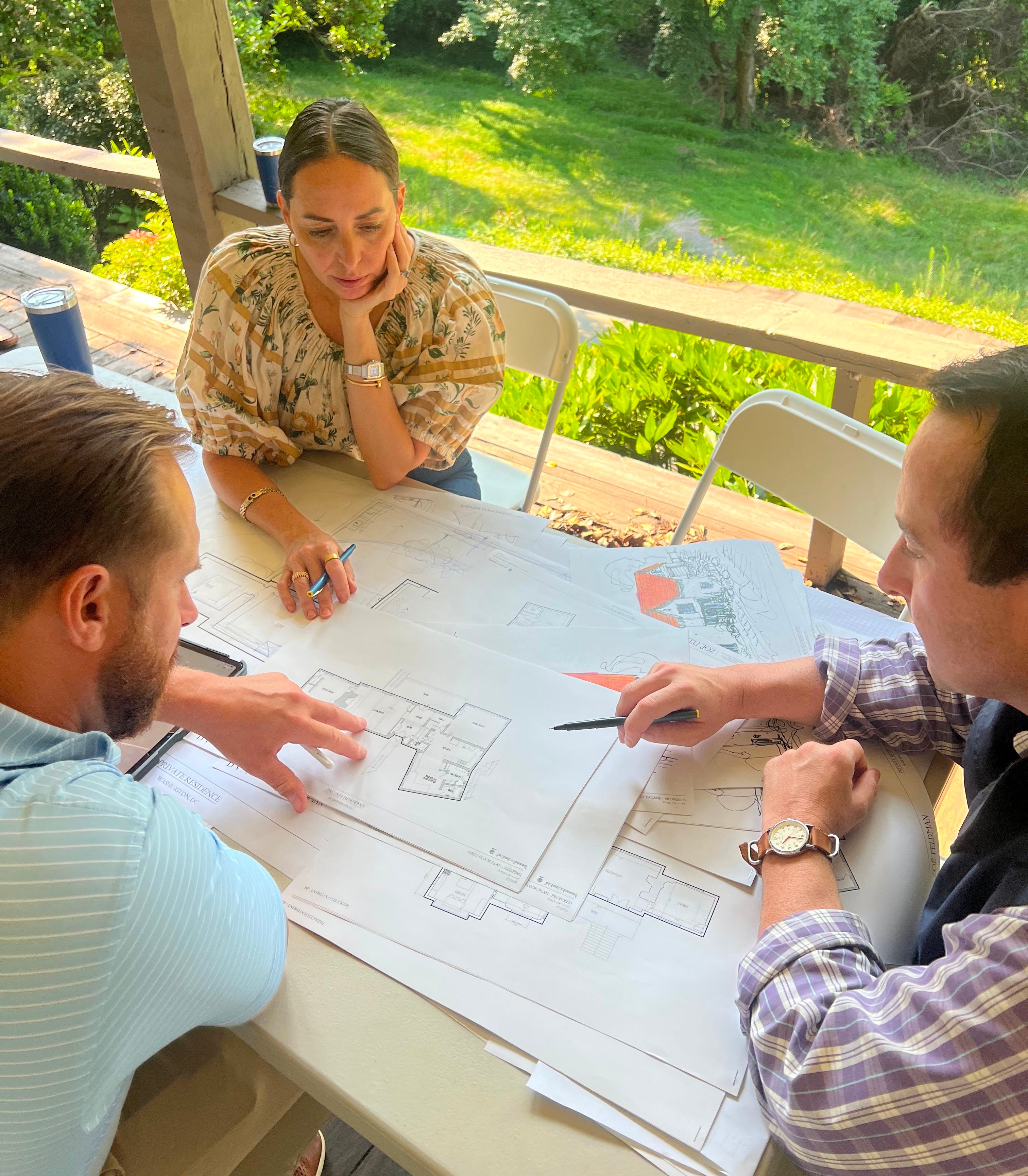
The single most important sanity-saver. If it’s discussed weekly, it won’t surprise you later. I’m working alongside an amazing team, and those weekly touch-bases help. A lot. My brain needs the safety of a standing space to work things through, and this is that moment.
2. The Master Spreadsheet (The North Star)
Every choice, cost, vendor, finish, and date lives here. If it’s not in the spreadsheet, it does not exist. It’s your budgetary shield and your organizational Bible. Comment below if you’d be interested in accessing a template!
3. Three Decisions Per Week
I block time each week to make the three most critical decisions. Before you start, get a “critical decisions schedule” from your contractor so you know what’s coming. You can group decisions by category (all the plumbing, all the hardware) or by room—I prefer rooms because it keeps the vision holistic.
Three approvals, then stop. Decision fatigue is real.
4. The “Park It” List
A holding pen for all the “I’ll think about it” items, reviewed weekly so they don’t hijack your brain. Keep them on the list, but don’t let them slow you down. The right answer always reveals itself over time, and this technique keeps things moving. I keep mine in my Notes app.
5. Everything Has an Owner
Nothing floats. Every item belongs to someone—and that someone moves it forward. Ownership minimizes mistakes and eliminates the “I assumed someone else had it” problem. This is where the team becomes critical: more gets done when more people are rowing toward the same goal.
6. One Source of Truth
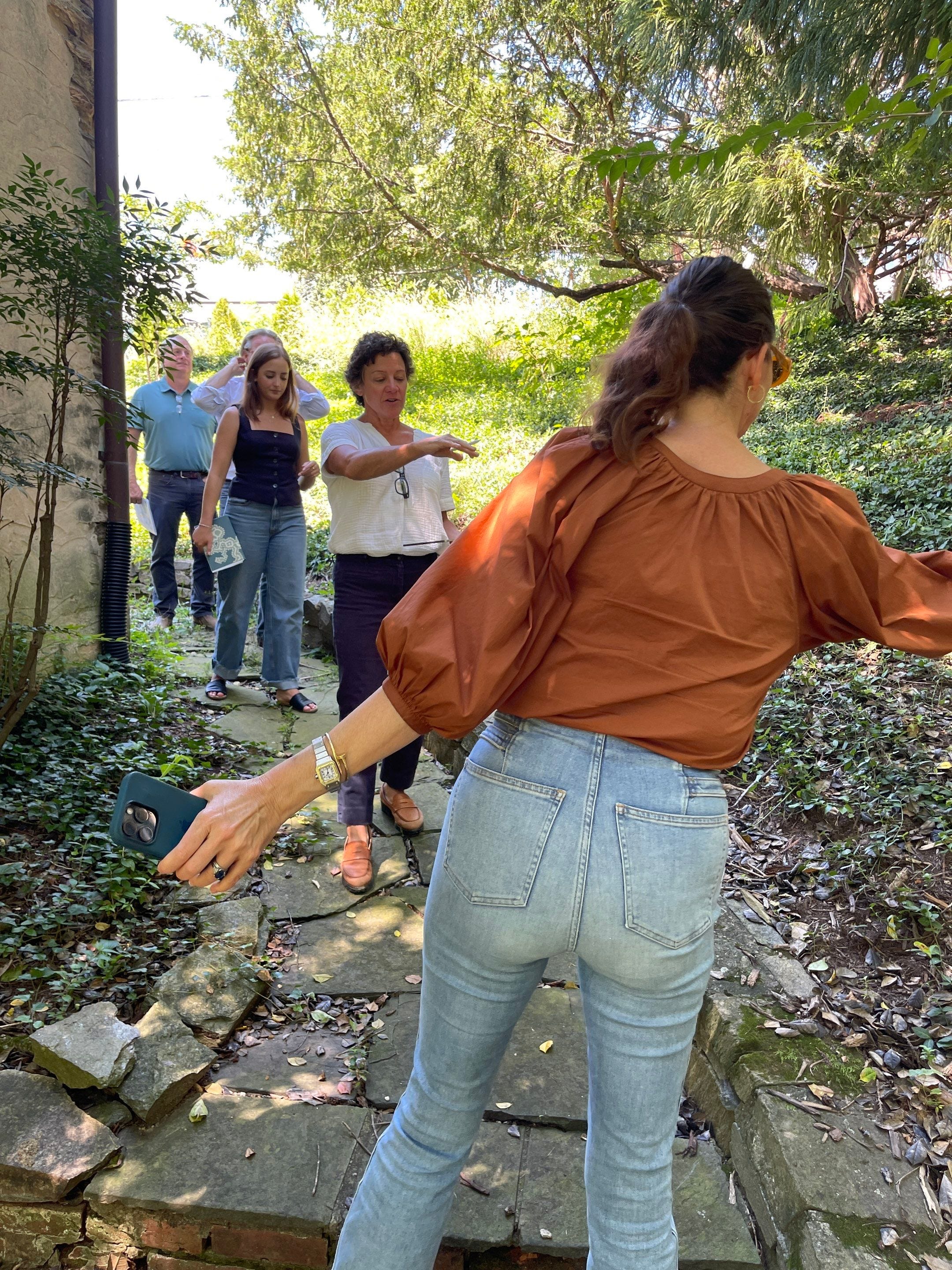
No texting threads as timelines. No DM’d screenshots as specs. One system. One place. Even if you have a phone call, send a follow-up email to confirm everyone is aligned. I mess this one up the most, and it shows. Try to keep one email chain—it’s what we do with clients, and what I need to be better about doing for myself.
7. The 24-Hour Spiral Rule
Feel it, write it down, add it to the spreadsheet, revisit with a clear head. Spiral or not, look at your creative decisions again in 24 hours to make sure they still land.
8. Ask, Don’t Assume
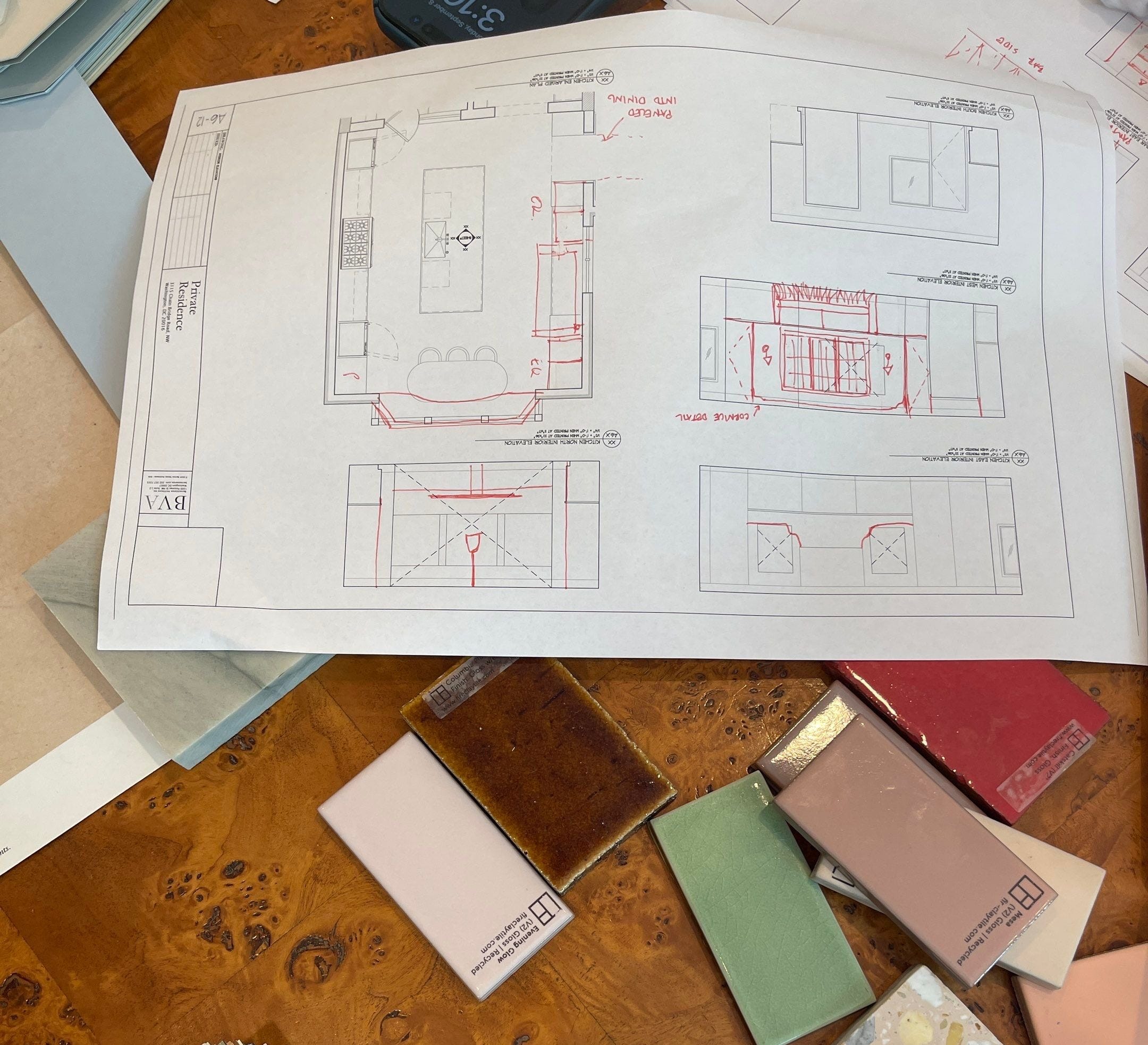
Assumptions are where renovation heartbreak is born. This is why site visits, weekly touch-bases, and a steady stream of emails matter—they surface the questions that are pressing but not necessarily urgent.
9. No Decisions After 8PM
The brain shuts down; aesthetics do too. One of my worst habits: lying in bed with my laptop and changing everything. Don’t be like me.

10. The Sanity Folder
One folder for all screenshots, inspo, emails, and PDFs so you’re not hunting through 900 photos of your kids. At the office, we use Google Drive because it’s live—less room for duplicates, outdated files, or someone being left out of the loop. Share the doc with your people, and you’re good. I still use Pinterest for visuals, but I curate before moving anything into the master doc.
Here’s the truth: things are going to change—a lot—during the planning phase. That’s the good part. You want the evolution, the refinement, the rethinking. It’s how the best ideas surface. But you still need a master plan, guardrails, and a clear path forward so you don’t look up a year later and realize you’ve been “planning” without actually moving.
That’s a very real risk, just so you know.
So here I am—living in this messy mix of vision, discipline, patience, and surrender. Big picture in one hand, daily details in the other. Moving the project forward while letting it evolve. Trusting the team to get us there. Acting like both a real client and also a designer. Kemble Cottage is making progress—one spreadsheet, one touch-base, and one shitty ChatGPT rendering at a time.
Even if “progress” sometimes looks like one step forward and two (fine…five) steps back.
Very well-said! I'd love your spreadsheet.
Welcome to substack, and the neighborhood. We live down the street, wondered who bought that house. Great location and lots of potential